Scan a card.
Build a library.
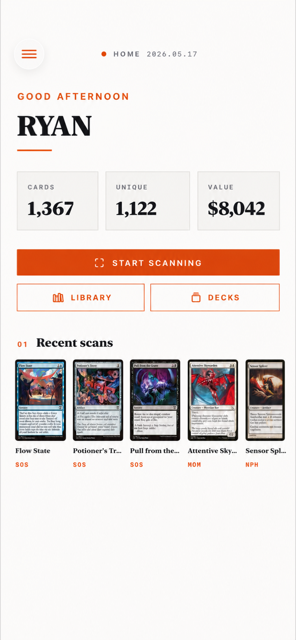
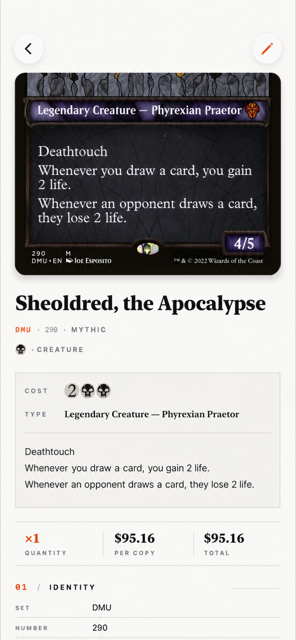
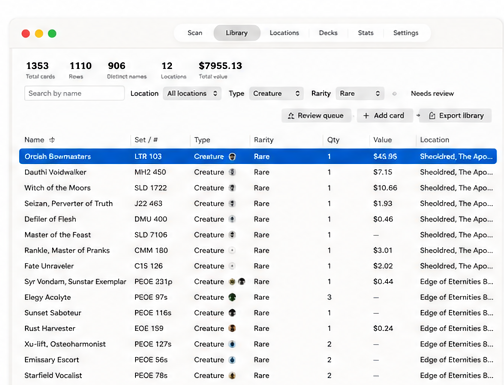
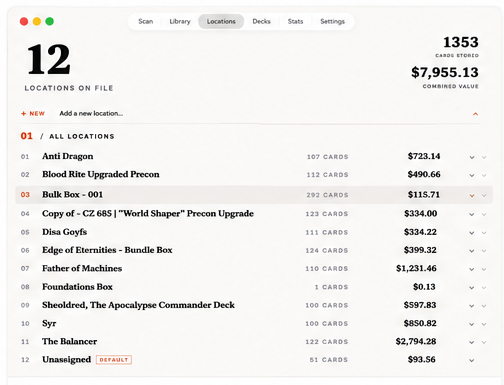
Archivist is a Magic: The Gathering scanner and deck analyzer for iPhone, iPad, and Mac. Point your camera at a card — Archivist reads the title and printing, looks it up against Scryfall, prices it, and slots it into your collection. Then it tells you what your decks need.
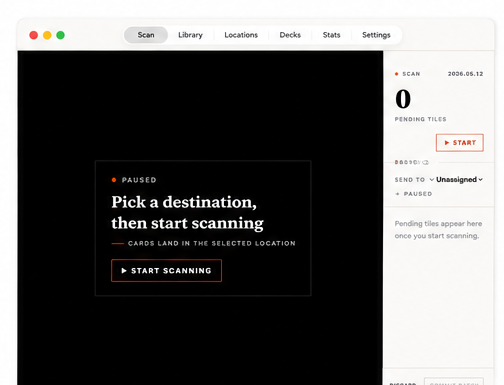
Scan with your camera
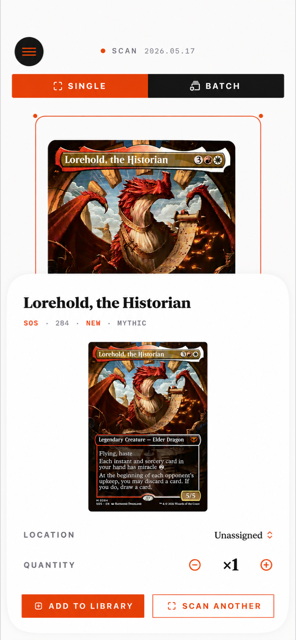
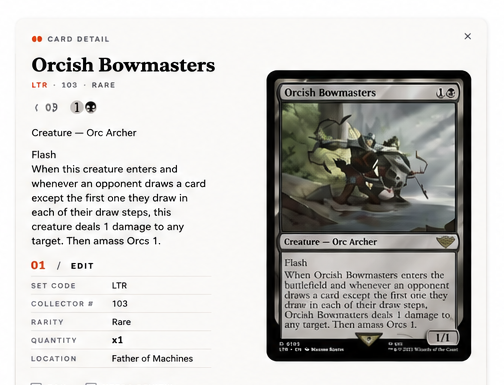
Vision-framework OCR reads the title and bottom-strip set/number in real time. Slinger mode for fast feeding. Cards with imperfect OCR get flagged for one-tap review against the captured frame — never silently guessed.
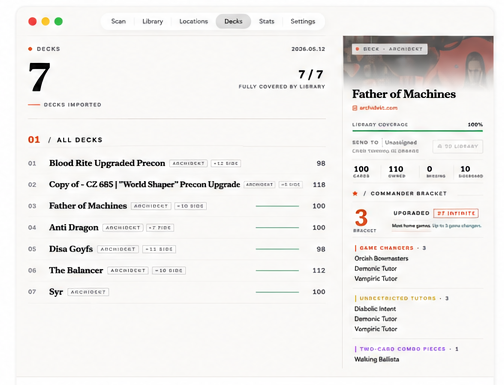
Commander bracket analysis
Every commander deck gets a bracket assessment against Wizards' framework — game changers, mass land destruction, unrestricted tutors, two-card combos. With reasoning, so you know why.
Combo finder
Posts your deck list to Commander Spellbook's database. Tells you the infinite combos already in your deck, plus the ones you're one card away from unlocking.
EDHREC upgrades
Pulls ranked recommendations per commander — high-synergy cards, top staples, new printings. Cross-references against your library so you can spot free upgrades sitting in a box.
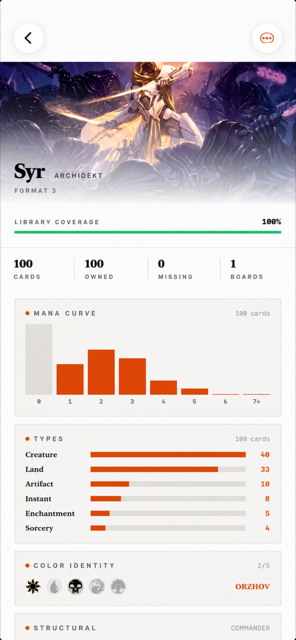
Curve & role balance
Mana curve histogram and a breakdown by role (lands, ramp, removal, wipes, draw, threats) with target ranges for Commander decks. ✓ in range, ↑ short, ↓ over.
Your data stays yours
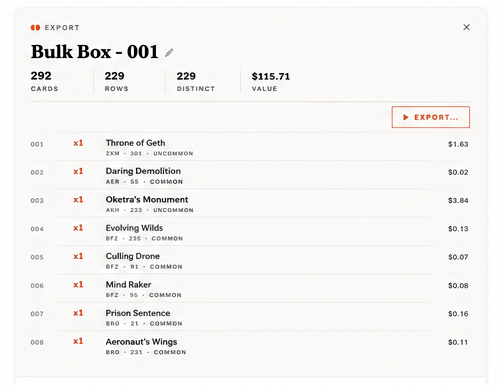
One-click CSV or JSON export of the entire library on every tier, free included. No lock-in. Re-importable schema, decklist format for Moxfield/Archidekt.
- Unlimited card scanning
- Local library on one device
- CSV & JSON export
- Deck list import
- No cloud sync
- No deck analysis
- Everything in Free
- Cloud sync across devices
- Commander bracket analysis
- EDHREC upgrade suggestions
- Combo finder (Spellbook)
- Price history
- Everything in Plus
- Pay once, keep forever
- All future updates included
- Priority support
- No recurring charge
Archivist is shipping new features regularly — better scanning, sharper deck analysis, an iOS companion. Drop your email if you'd like a heads-up when bigger updates land.
macOS 14.0+ · Apple Silicon & Intel · DMG signed & notarized
What you'll get
- → A note when major features land
- → Heads-up when the iOS companion ships
- → Occasional discount codes
- → Zero spam — only release news
What platforms does Archivist run on?
Archivist is available now on iPhone and iPad (App Store) and as a native macOS app. Your collection, decks, and wishlist sync across all of them with Plus or Lifetime.
Will the free version actually be free?
Yes, forever. Unlimited scanning, local library on one Mac, full CSV & JSON export, deck list import. The paid tiers add cloud sync, deck analysis, and price history — but you can use Archivist without paying a cent.
How does scanning work? Does it need internet?
OCR is on-device using Apple's Vision framework. Card lookup runs against a Scryfall data dump cached on your machine (~1.5GB, refreshed when sets release). Once cached, you can scan offline.
Is there an iPhone / iPad app?
Yes — Archivist is on the App Store for iPhone and iPad, alongside the native Mac app. Scan with your phone's camera, build and analyze decks, track prices, and sync your collection across every device with Plus or Lifetime.
Will my decks export to Moxfield / Archidekt?
Yes. Every deck and location can export as the universal 4 Lightning Bolt (M11) 149 format that Moxfield, Archidekt, and most other deck builders accept. CSV and full JSON also available.
How do you handle my data?
Free tier data lives on your Mac and never leaves. Plus / Lifetime data syncs to our server (Postgres on a small VPS, daily encrypted backups). You can delete your account and pull a full export at any time.